You set up your startup profile in SeedForge onboarding. You sign up, point SeedForge to your LinkedIn, website, and pitch deck, and SeedForge builds a first draft. You review every field, fix anything off, and click LOOKS GOOD to create it. The flow takes about 10 minutes.
Sign up. From seedforge.com, click Get Started, enter your email, then enter the 6-digit code SeedForge emails you. The code expires in 10 minutes.
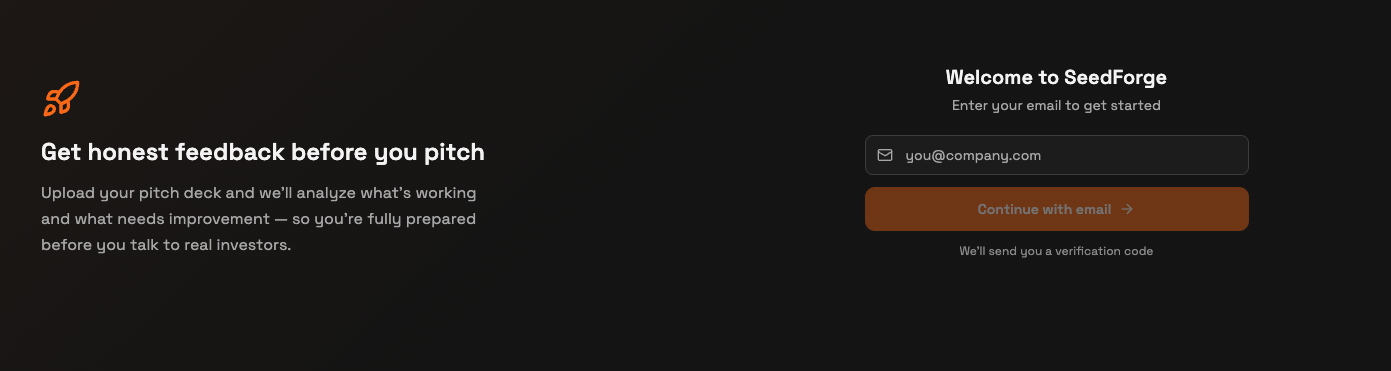
Choose Founder. When asked how you'll use SeedForge, select Founder.
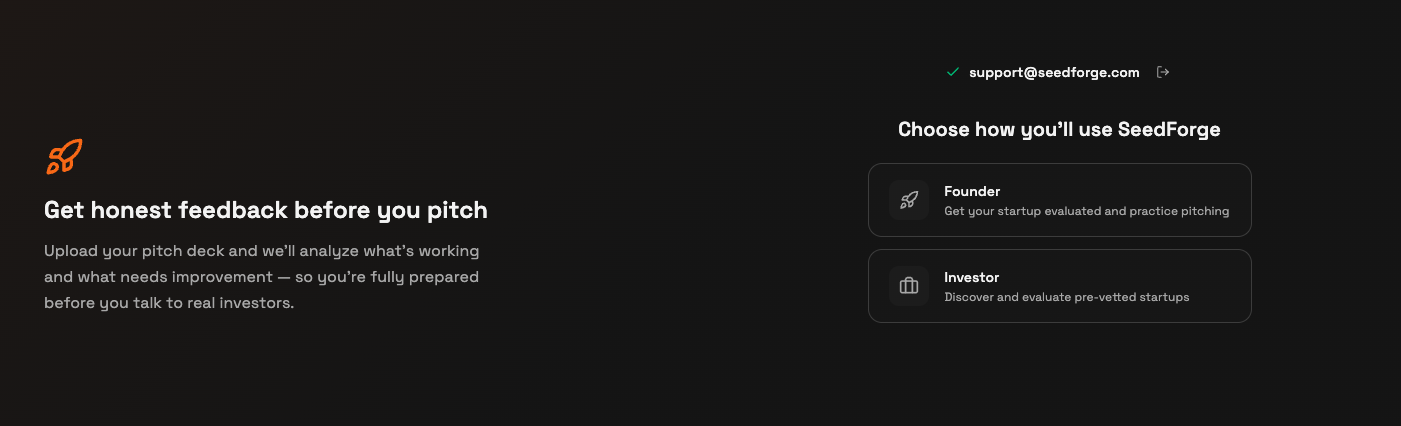
Add your LinkedIn. Paste your LinkedIn URL so SeedForge can pull your founder background, or click Skip this step.
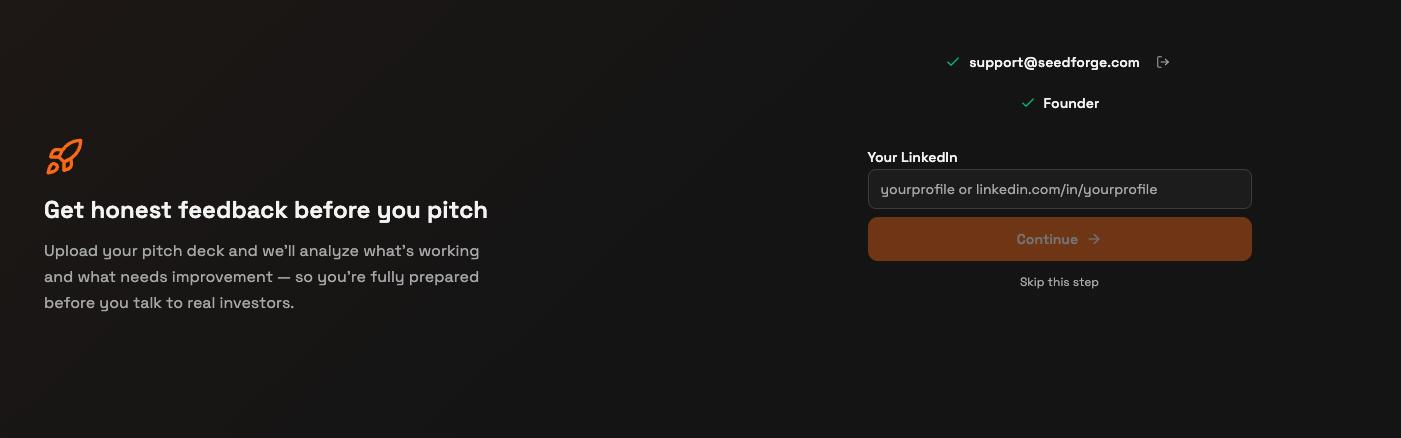
Add your website. Enter your startup's website so SeedForge can pull company details, or click Skip this step.
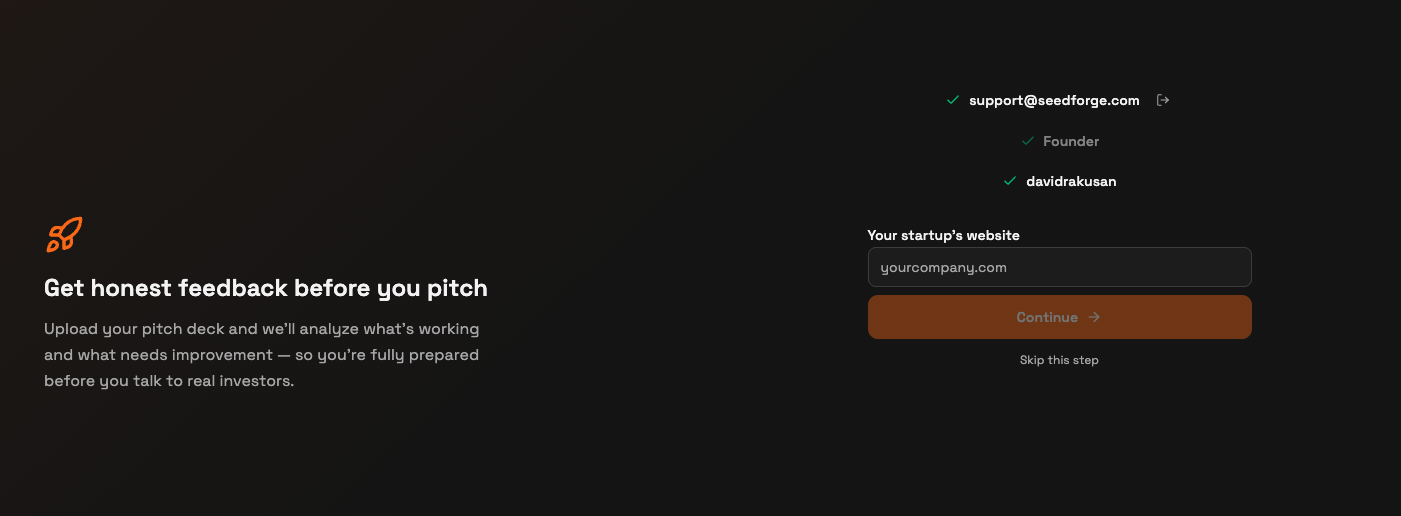
Upload your deck. Drop your file in Drop your pitch deck here (PDF only, up to 50MB), or click Skip for now.
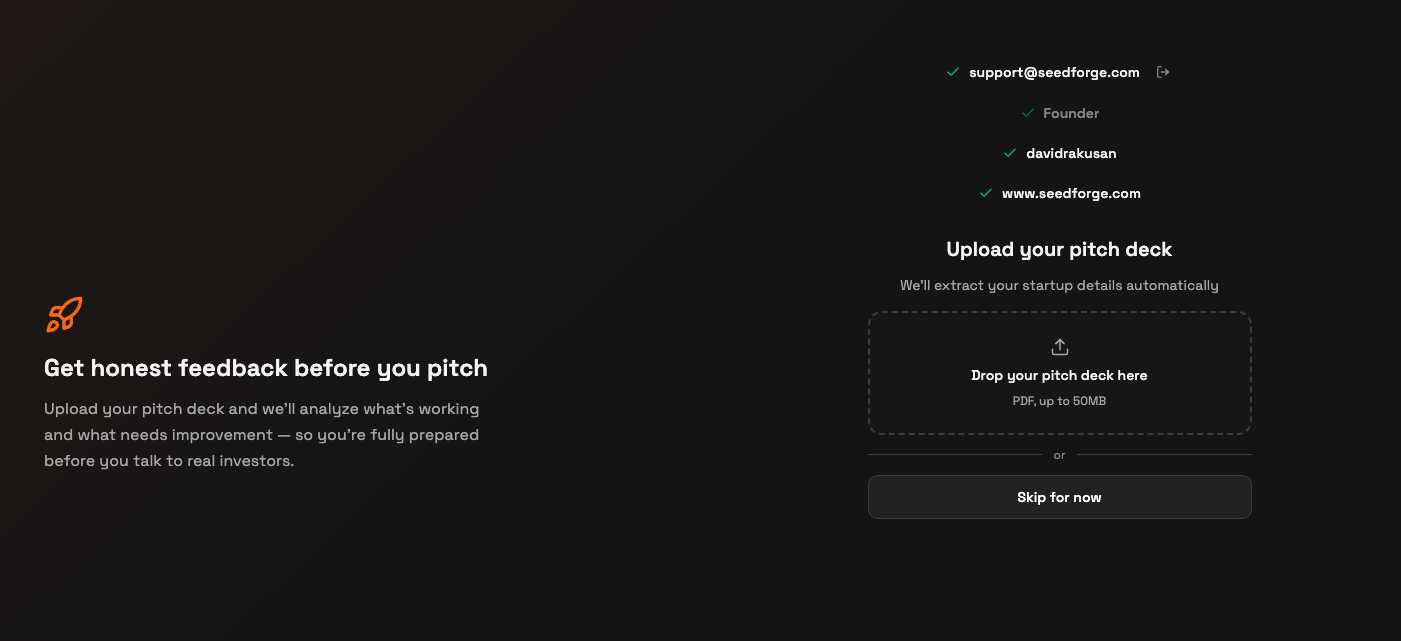
Let SeedForge build the draft. SeedForge reads your LinkedIn, website, and deck and prepares a first version of your profile.

Review and edit. On the Basic Information screen, check and fix every field: company name, sector and category, product stage, location, founded date, website, description, tags, fundraising round and target amount, and your North Star Metric.
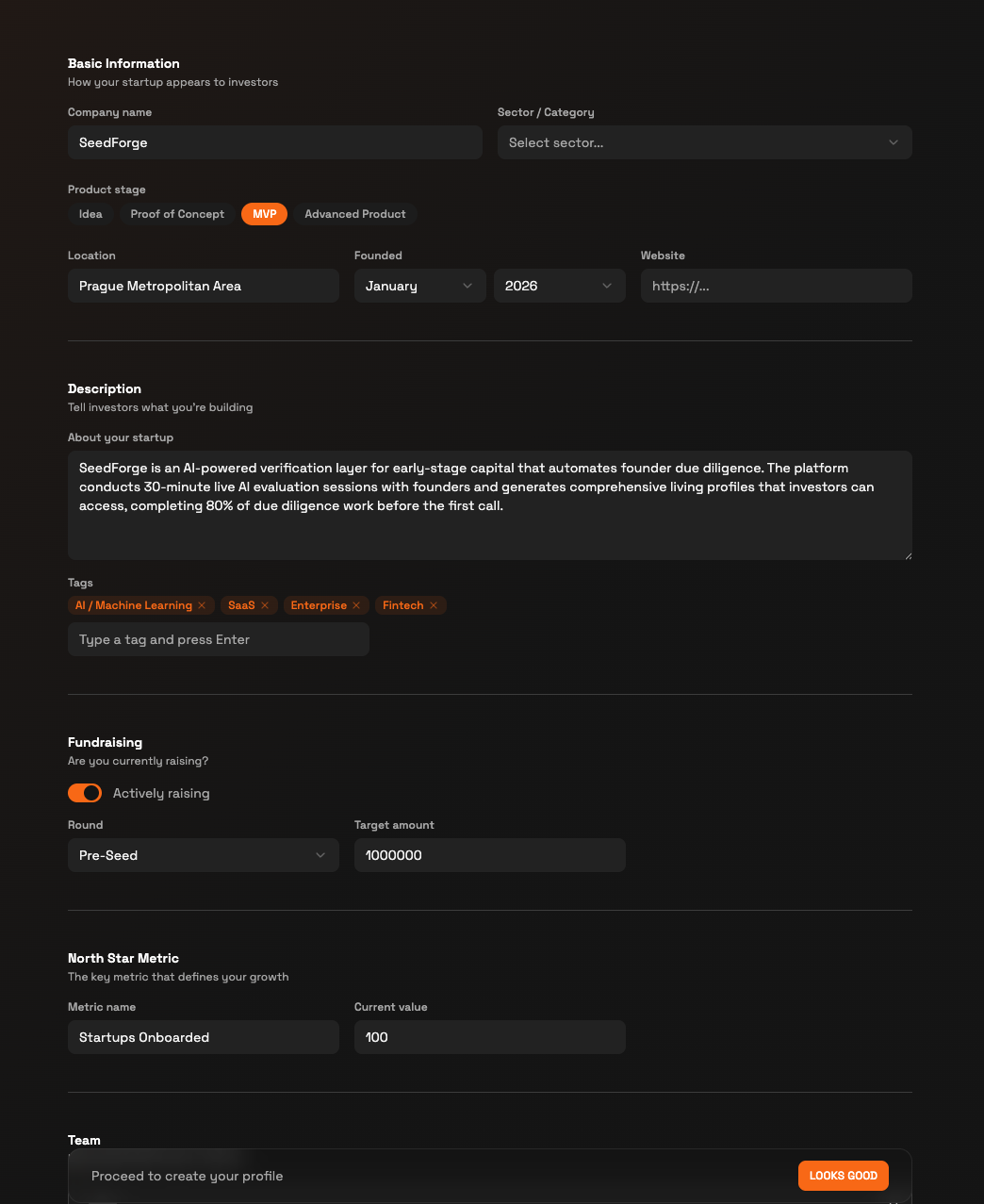
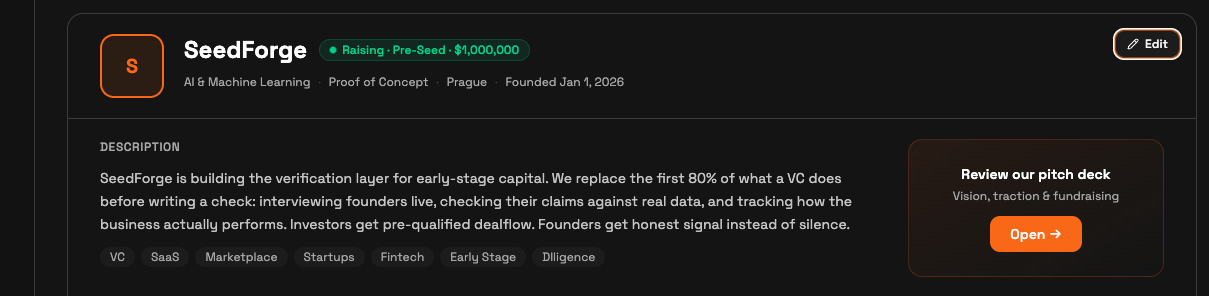
Create your profile. Click LOOKS GOOD. Your profile is created, and you can open it, keep editing, or share it by link.
Note: You can skip LinkedIn, your website, or the deck and still build a profile. More sources make a more complete first draft.
To change anything later, open Profile and click Edit. There you add team members, add or edit documents, and update the description, location, stage, founding date, fundraising status and target amount, tags, website, category, and North Star Metric.
Tip: Your next step is the AI Session, a 30-minute live session that mirrors a first call between a founder and an investor. AI Session improves the accuracy of your SeedForge Profile and the Feedback. First AI Session is free. After that, sessions are $25 each.
Quick answers
Do I need a pitch deck to set up my profile?
No. You can skip the deck in onboarding and add it later. Decks are PDF only, up to 50MB. However, for full completion of your SeedForge Profile, you need to upload the deck eventually.
Can I edit my profile after I create it?
Yes. Open Profile, click Edit, and change any detail, your team, or your documents at any time.
Is the AI Session required to set up my profile?
No. SeedForge builds your profile from your LinkedIn, website, and deck. The AI Session is an optional next step which extends your Profile, make it more accurate and give you better and deeper feedback. First AI Session is free. After that, sessions are $25 each.