Set aside 30 uninterrupted minutes in a quiet room, check your microphone, camera, and internet connection, and have your key business numbers at hand. That is all the preparation the AI Session needs.
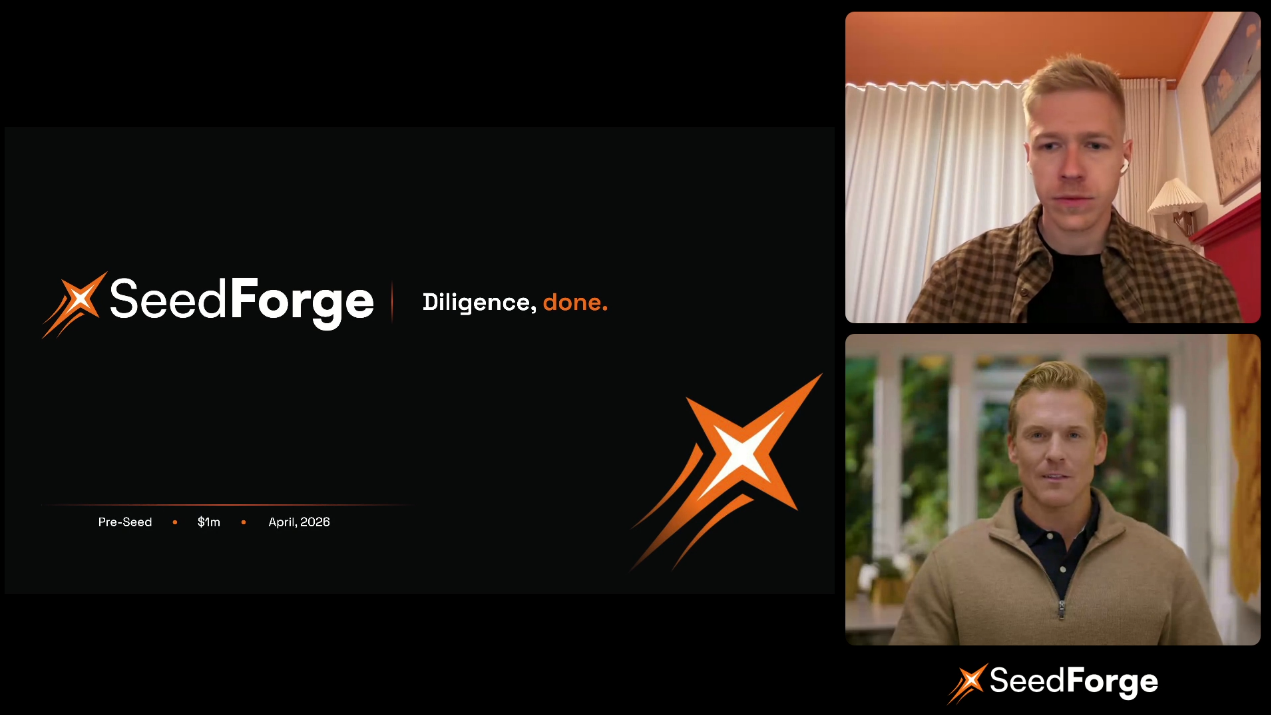
The AI Session is a spoken conversation with an AI agent, in an interface similar to a Google Meet call. It covers the five dimensions investors care about: Team, Traction, Problem / Solution, Market, and Vision.
How to prepare
Block 30 uninterrupted minutes. Most sessions run 20 to 35 minutes. The session cannot be paused.
Set up like a real investor call. A microphone is required. Use a good one, sit in a quiet room, and make sure your internet connection is stable.
Turn your camera and mic on. The session is recorded, and investors who open your profile can watch it in the Pitch Recording section. Showing your face makes the impression real.
Have your numbers ready. Bring the figures a typical investor would ask about: revenue, growth, burn, runway, and the round you are raising.
Skip the deck prep. Your uploaded deck loads automatically and appears on screen during the session.
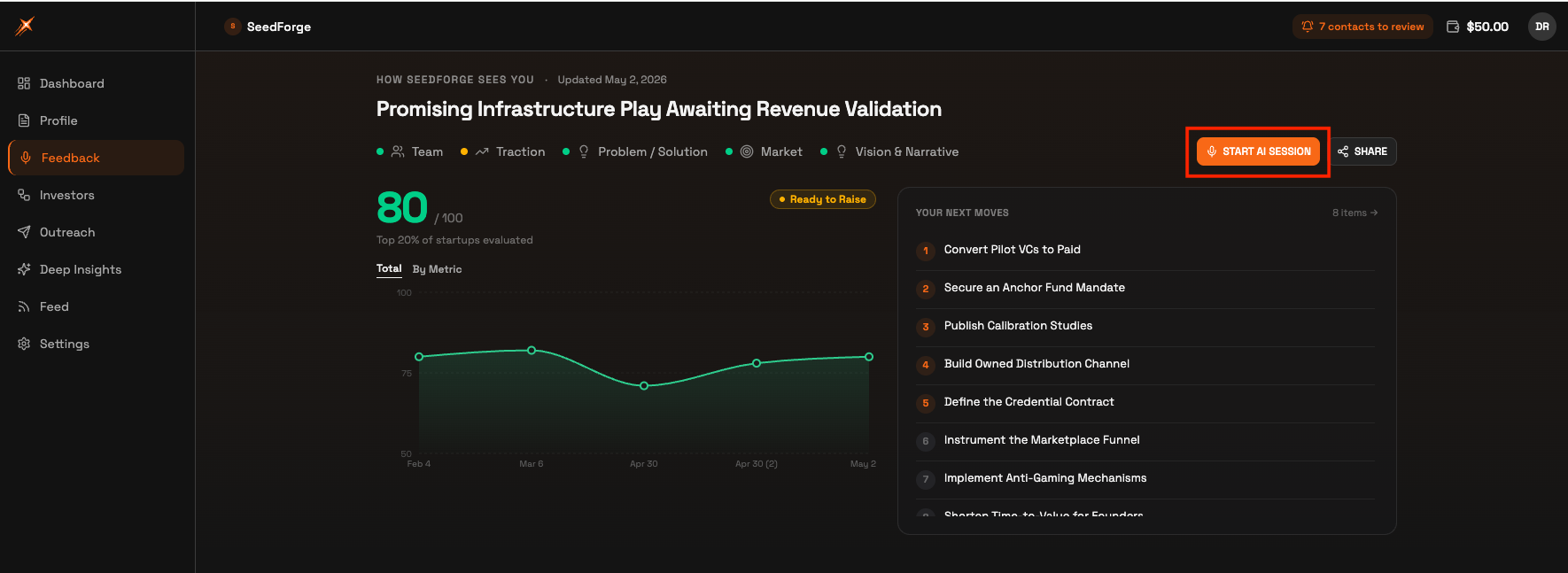
When you are ready, open Feedback in the left menu and click Start AI Session in the top right.
The session pressure-tests your thinking, so honest answers work better than polished ones. If a number is weak or a question is still open, say so. You get a more accurate profile and sharper insight into the points investors will push on.
Note: Only one founder can take the session. The AI Session is available in English only.
Quick answers
Can I pause the AI Session and finish it later?
No. The session runs in one sitting, so block 30 uninterrupted minutes before you start.
Can my cofounder join the AI Session?
No. The session is built for one founder speaking with the AI agent.
Do I need my pitch deck open during the AI Session?
No. Your uploaded deck loads automatically and appears on screen during the session.