Your SeedForge Profile is a live page that investors open through a link you send. It holds your Fundraising details (stage and target amount), the Evaluation section with your SeedForge Score, your Documents (such as your deck), and your Team. To share it, you create a named link for each investor under your Profile, choose which sections that link shows, and copy it to send.
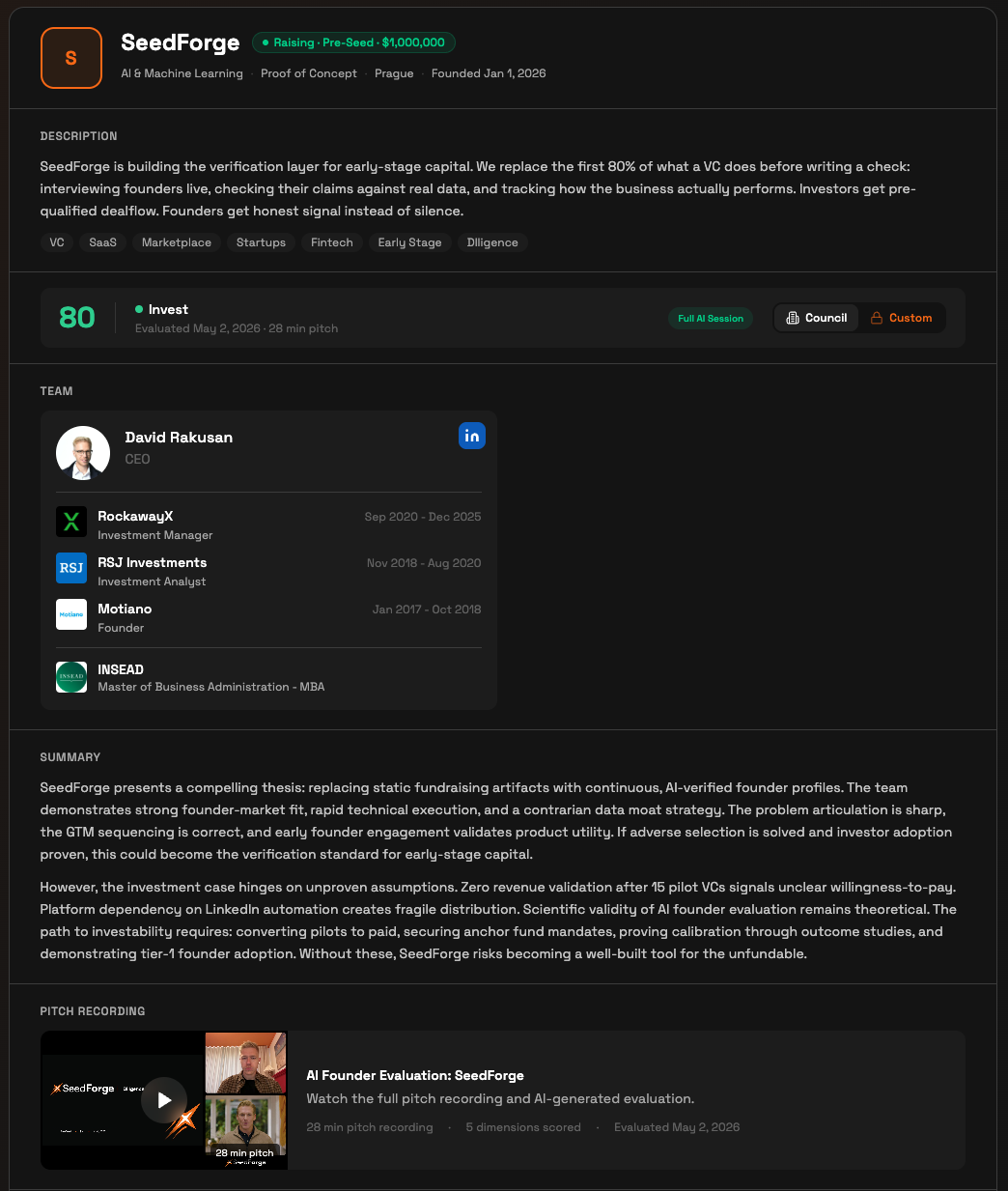
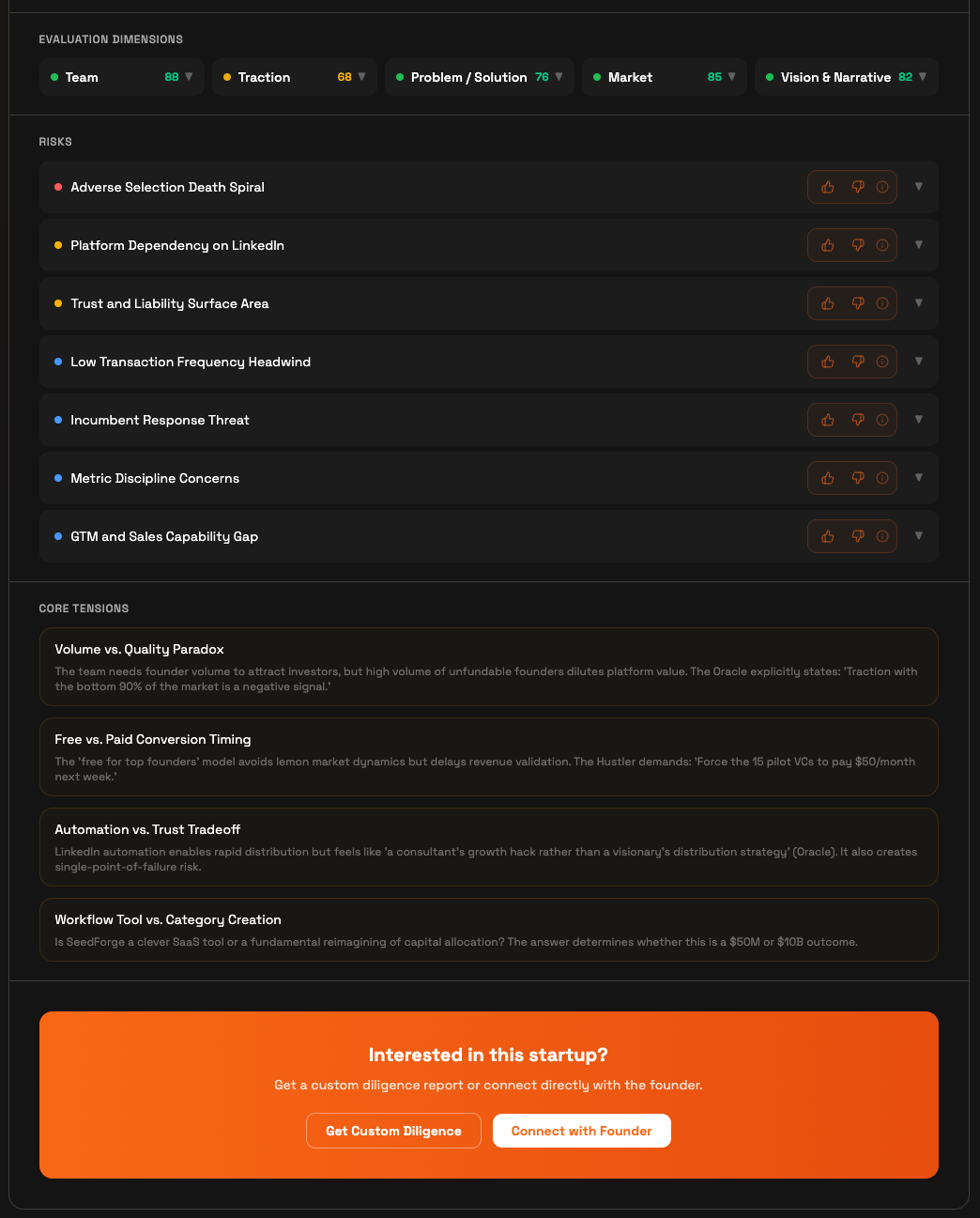
How to share your SeedForge Profile
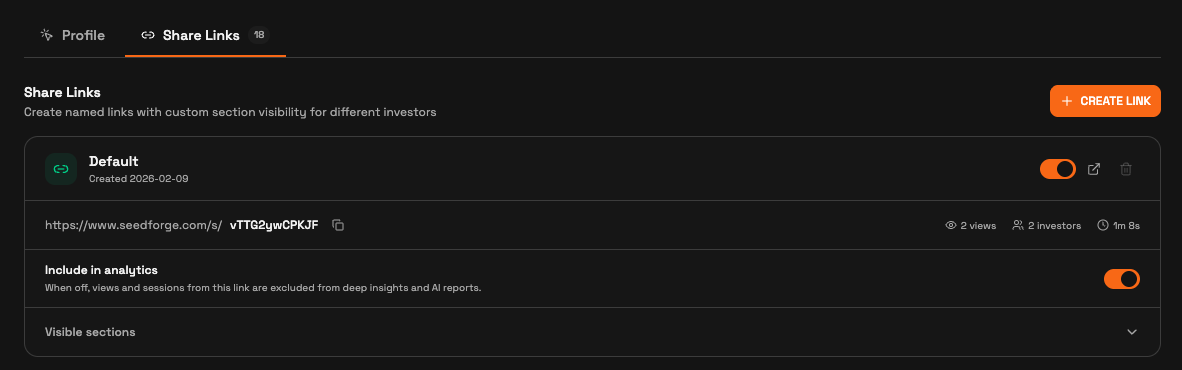
Open Share Links. On your Profile, select the Share Links tab.
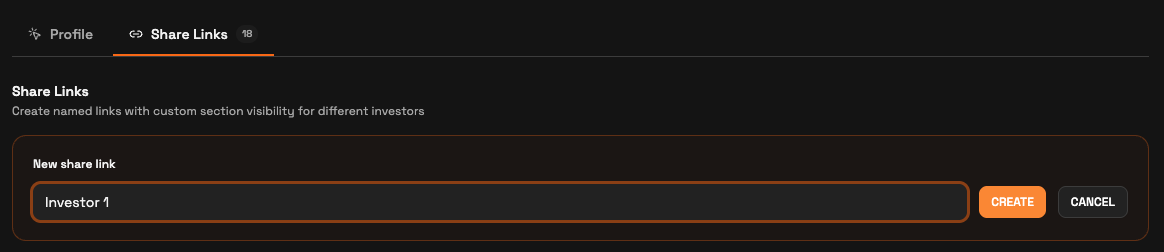
Create a named link. Click Create link and name it for the investor or fund you are sending it to.
Set what this investor sees. Open Visible sections and toggle the sections and individual documents to show on this link.
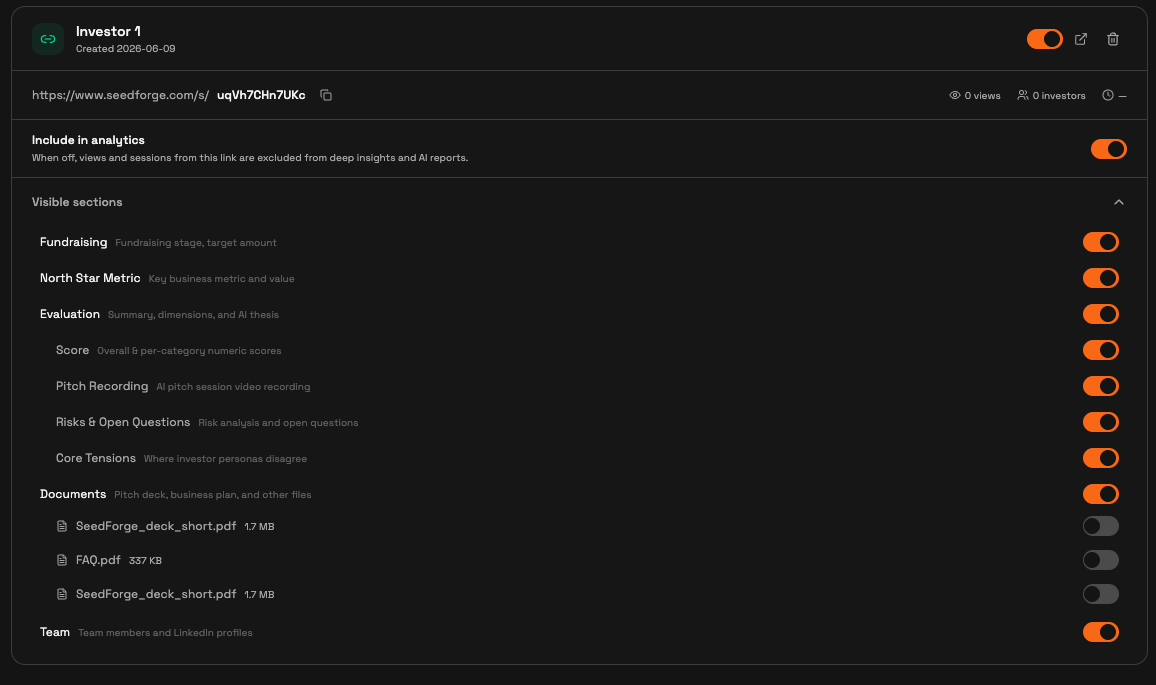
Copy the link and send it. Use the copy icon next to the link URL, then send it to that investor.

What happens after you share
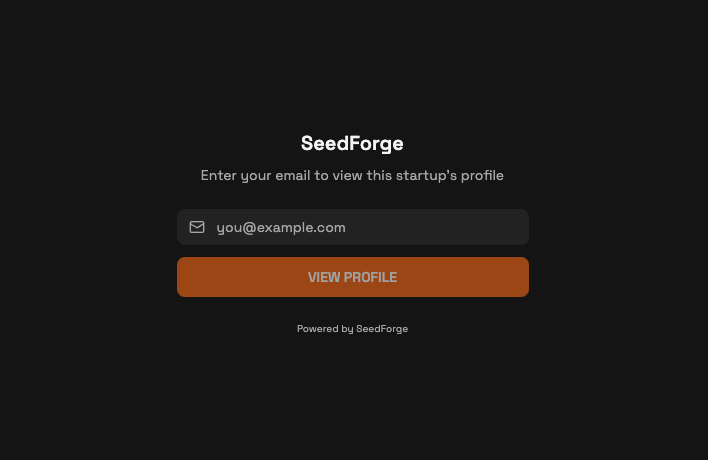
When an investor opens any link, they enter their email first. That email lets SeedForge tie each view to a specific investor, so you can see who looked.
Each link has its own controls. The toggle turns the link on or off. The arrow previews exactly what that investor sees. The trash icon deletes it. Individual links can be disabled at any time.
Your profile updates on its own. Upload a new deck or change a metric, and every active link shows the current version, as long as that section stays visible. You never resend a link.
Note: Your profile stays private. Nothing is shared without a link you send, and each link shows only the sections you turned on.
Quick answers
Do investors need an account to view my profile?
No. Anyone with your link enters their email, then sees the sections you shared.
Will investors see my latest deck after I update it?
Yes. Any profile change, including a new deck, appears on every active link automatically, as long as that section stays visible.
Can I stop someone from viewing my profile?
Yes. Turn off or delete that link in the Share Links tab.