When an investor replies, SeedForge stops messaging that investor and hands the conversation to you. The reply lands in your normal LinkedIn inbox, and SeedForge marks the investor as Engaged so you know to take over.
What you see in SeedForge
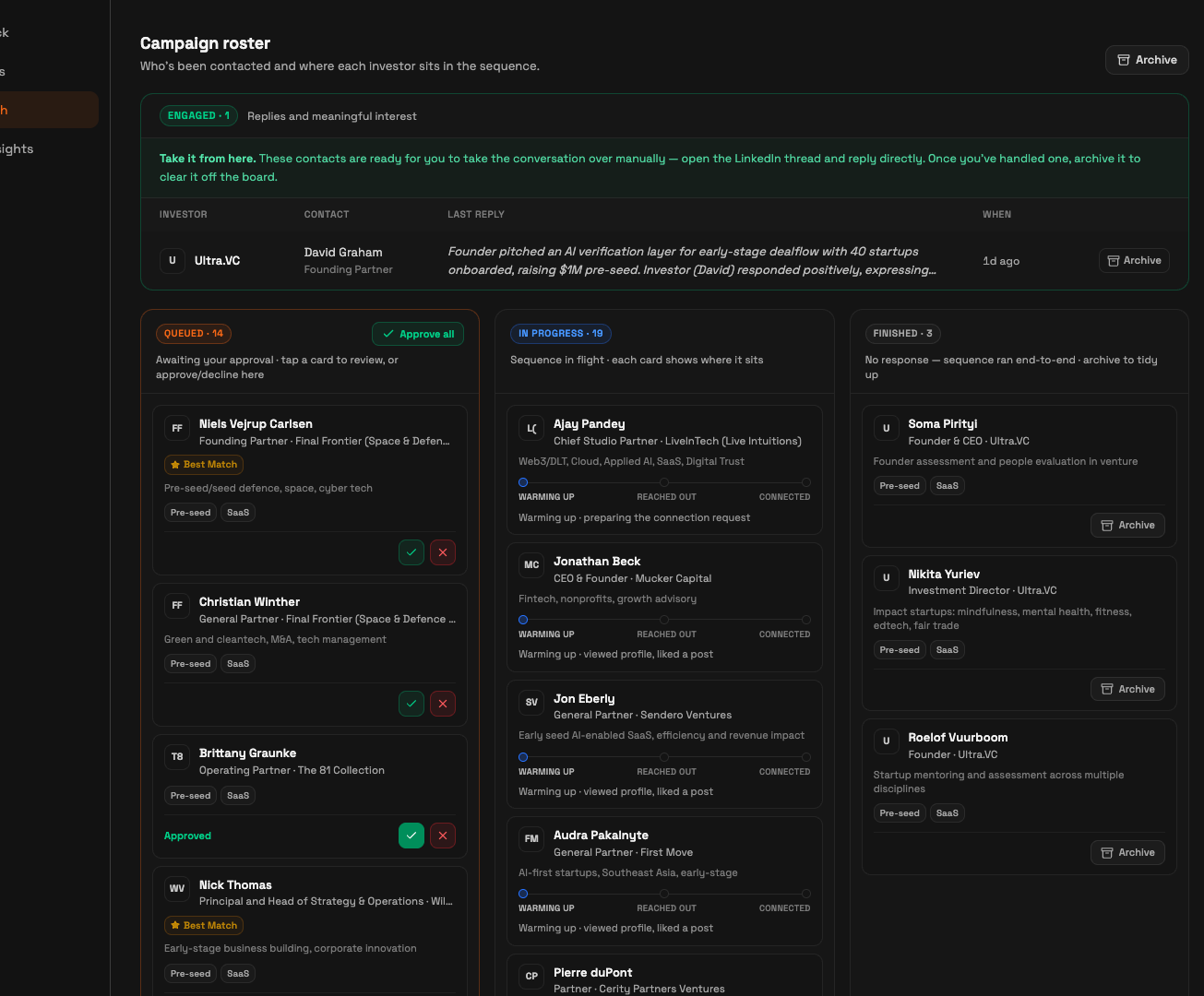
In Funnel at a glance, the Replies card ticks up by one. In the Campaign roster below it, that investor moves into the Engaged group, labeled "Replies and meaningful interest", with a Last reply summary of what they said. SeedForge shows a "Take it from here" prompt pointing you to the LinkedIn thread.
SeedForge also stops all automated activity for that investor. No further connection requests or messages go to them. The conversation is now yours to run.
What to do
Open the LinkedIn thread. Replies arrive in your normal LinkedIn inbox. Open the conversation there and reply as yourself.
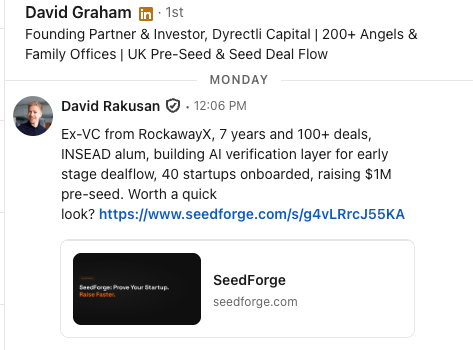
Reply fast. The sooner you respond, the more likely the investor stays interested. Responsiveness is one of the things investors weigh.
Aim for a call. The goal of the reply is to get the investor on a call. You write the reply yourself and steer toward a time to talk. SeedForge does not draft replies.
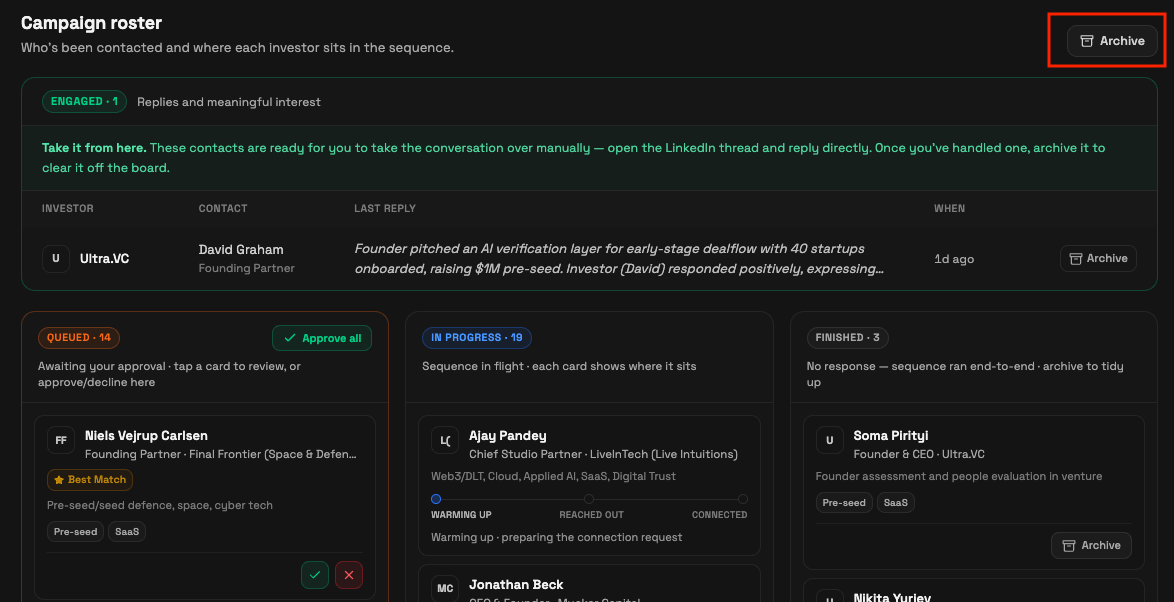
Archive the contact when handled. Back in the Campaign roster, click Archive on that investor to clear them off the board.
Note: A booked call is confirmed by a person before the $10 charge, so a charge never lands just because the word "call" shows up in a thread. A warm intro offered is the other $10 outcome.
Quick answers
Where do investor replies show up?
In your normal LinkedIn inbox. SeedForge also marks the investor as Engaged in your Campaign roster and ticks the Replies counter up by one.
Does SeedForge keep messaging an investor after they reply?
No. SeedForge stops all automated messages to that investor the moment they reply, and you take the conversation over manually.
Does SeedForge write the reply for me?
No. You reply yourself in LinkedIn, aiming to set up a call. SeedForge does not draft replies.